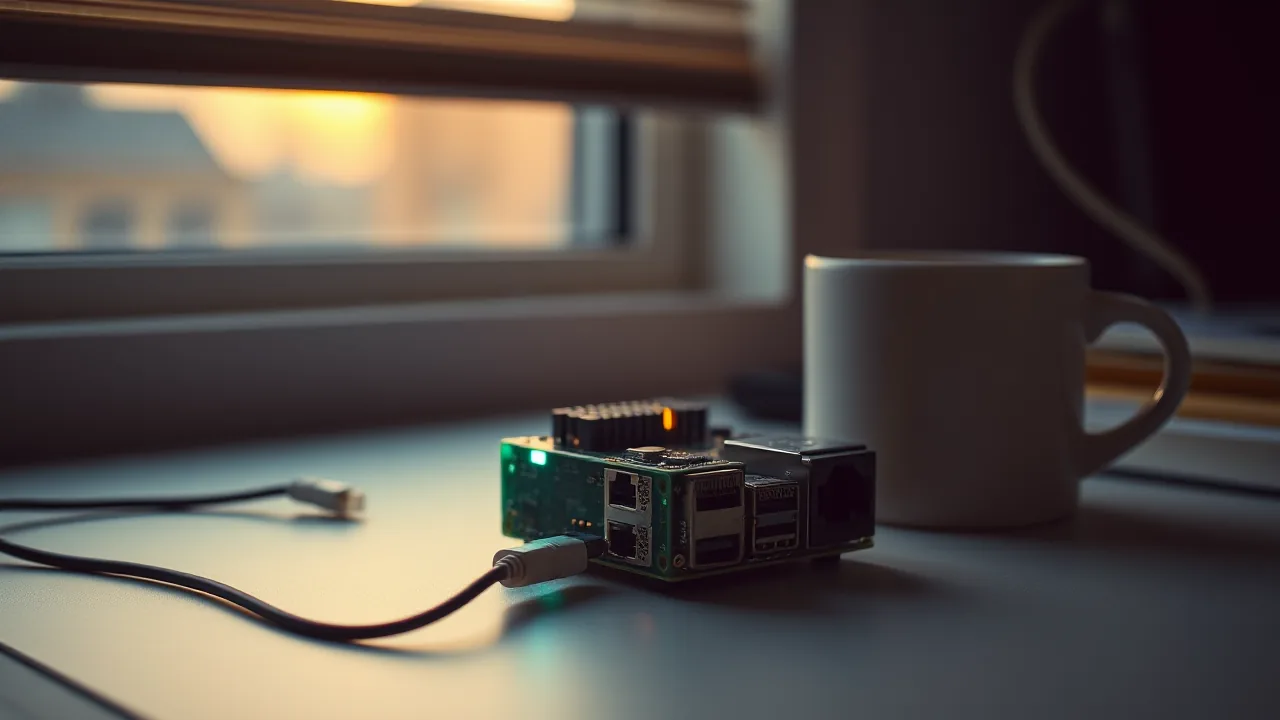
Alby Hub on ARM64: Self-Hosted Lightning Node in Docker for DGX Spark and Other ARM Boxes
Self-hosting a Lightning node used to mean ordering a hardware appliance or learning macaroons by candlelight. Alby HubAffiliate link. You support sovgrid at no extra cost to you. See /support. ↗ ships an ARM64 Docker image that turns any always-on Linux box into a sovereign Lightning service in roughly five minutes.
Quick Take
- One Docker command brings up the full AlbyAffiliate link. You support sovgrid at no extra cost to you. See /support. Hub stack on aarch64
- Embedded LDK node means no separate
lndorbitcoindto babysit- Sub-wallets are real: each connected app can have an isolated balance
- You write down a seed phrase or you lose your sats. There is no support hotline.
Where this fits in the Alby series on this blog
- Beginner: Alby Lightning Wallet, the browser extension and the basics of Lightning addresses
- Intermediate: Alby + Nostr, NIP-07 signing and Zaps without exposing your private key
- Advanced (this article): running your own Hub on ARM64 so you stop paying the custodial premium
Read in order if you are new to Lightning. Skip the first two if you already have an Alby account and just want sovereignty over the routing layer. The Bitcoin books that shaped this site’s sovereignty argument are listed on [/books/]; best selection on KonsensusAffiliate link. You support sovgrid at no extra cost to you. See /support. ↗.
Why Run the Hub Yourself Instead of the Cloud Wallet
The Alby cloud wallet is custodial. Convenient, but every payment you receive routes through Alby’s infrastructure first. For low-stakes Zaps and the Nostr signer flow, that is fine. For an AI agent that handles real volume, or a creator who wants payments to land directly in their own node, the Hub is the upgrade path.
Self-hosting matters because it removes the third-party dependency. If Alby’s cloud has an outage, your custodial address stops working until they recover. Your own Hub keeps routing as long as your box has power and network. It also lets you connect an unlimited number of apps and AI agents over Nostr Wallet Connect (NWC), each with its own spending limit and isolated balance.
The tradeoff is operational responsibility. You back up the seed. You watch the channels. You keep the box online. If that sounds reasonable for your stack, the next sections walk through the setup.
What an ARM64 Host Actually Needs
The Hub runs comfortably on any of these:
- A Raspberry Pi 5 with 4 GB RAM and a fast SSD
- A used aarch64 mini PC running Debian 12 or 13
- An NVIDIA DGX Spark (the box this blog is published from)
- An Ampere or Apple Silicon VPS
CPU is not the bottleneck. The embedded LDK node uses single-digit MB of memory at idle and a few hundred MB during channel sync. What matters is uptime and storage that survives reboots. SD cards die. Use an SSD.
Gotcha: Do not put the Hub data directory on a network share. The LDK database does not tolerate flaky storage. Local SSD only.
The Five-Minute Docker Setup
Make a data directory, then start the container. This single command is enough for a working node:
mkdir -p ~/.local/share/albyhub
docker run -d \
  --name albyhub \
  --restart unless-stopped \
  -v ~/.local/share/albyhub:/data \
  -e WORK_DIR='/data' \
  -p 8080:8080 \
  --pull always \
  ghcr.io/getalby/hub:latest
The image is multi-arch and pulls the aarch64 variant automatically on an ARM64 host. After a few seconds the UI is reachable at http://<host>:8080.
For production use, prefer a compose file with explicit network and log limits. The skeleton below pins the image, restricts logs, and exposes only the loopback interface so a reverse proxy can handle TLS:
# docker-compose.yml
services:
  albyhub:
    image: ghcr.io/getalby/hub:latest
    container_name: albyhub
    restart: unless-stopped
    environment:
      WORK_DIR: /data
    volumes:
      - ./data:/data
    ports:
      - "127.0.0.1:8080:8080"
    logging:
      driver: json-file
      options:
        max-size: "10m"
        max-file: "3"
Add a Caddy or Nginx reverse proxy if you want public access with HTTPS. For LAN-only operation the loopback bind plus a Tailscale or Wireguard tunnel is cleaner than opening the port.
First Boot: Unlock Password and Seed Phrase
Open the UI on first run. The Hub asks you to set an unlock password. This password decrypts the local database on every container restart. It is not your seed.
Right after, the Hub generates a 12-word recovery seed for the embedded LDK node. This is the one piece of state you must back up offline. Recommended path:
1. Write the 12 words on a metal plate or paper, in order.
2. Store the backup in a different physical location than the host.
3. Do NOT screenshot. Do NOT type into a password manager that syncs.
4. Verify the seed by typing it back into the Hub's "verify backup" flow.
If your container’s data volume is wiped, the seed plus a fresh container can recover funds and channels. Without it, those funds are gone the same way.
Gotcha: Channel state recovery from seed alone is best-effort. The LDK Static Channel Backup file in
data/is the higher-fidelity recovery artifact. Snapshot it whenever you open or close a channel.
Open Your First Lightning Channel
A fresh node has no inbound liquidity. To send and receive, you open a channel. The Hub gives you two paths:
- Send sats to your on-chain deposit address, then use the channel-opening UI to allocate them outbound.
- Use a Lightning Service Provider (LSP) the Hub integrates with, which can open a balanced channel toward you for a small fee.
For most self-hosters the LSP path is the right starting point. You get inbound liquidity right away, no on-chain wait. The fee depends on the channel size and the current LSP rate, and is paid out of the channel itself.
Onboarding → Open Channel → Use LSP
   ↓
Pay LSP invoice (one-time)
   ↓
Channel opens after on-chain confirmation
   ↓
Hub now has both inbound and outbound capacity
Confirmation time depends on the fee rate you accept. On a non-urgent setup, low fees and a six-block wait are fine. If you need it live now, bump the fee.
Sub-Wallets via Isolated NWC Connections
This is the feature that makes the Hub interesting for agentic use cases. Every app you connect over NWC can be isolated, meaning it sees only its own balance and its own transaction history. The Hub manages the segregation internally.
Useful patterns:
- AI agent budget: isolated connection with a 10,000-sat monthly cap. The agent pays for inference or API calls without touching your main balance.
- Per-podcast V4V split: separate isolated connection per show, easy to audit how much each generated.
- Untrusted experimental client: isolated connection with a tight daily limit. If the client misbehaves, blast radius is bounded.
Set up an isolated connection from the Hub UI:
Apps → New App Connection
  ↓
Toggle "Isolated balance" ON
  ↓
Set permissions: pay_invoice, lookup_invoice, etc.
  ↓
Set spending limit and renewal period (daily/weekly/monthly)
  ↓
Copy the NWC connection string into the app
The connection string starts with nostr+walletconnect:// and includes a relay URL plus a secret. Treat it like a password. Anyone with the string can spend up to the configured limit.
Connecting Real Apps
A few useful targets to test the Hub against:
- Damus or Amethyst (Nostr clients): paste the NWC string into wallet settings. Zaps now route through your Hub.
- A self-hosted AI agent: feed the NWC string into your agent’s payment module. The Alby JS SDK and the Python equivalent both speak NWC.
- A boostable podcast player: anything that supports Lightning boosts can usually take an NWC URL.
- The AlbyAffiliate link. You support sovgrid at no extra cost to you. See /support. Browser Extension: configure it to use your Hub as the WebLN backend, so any WebLN-enabled site pays from your node.
The pattern is always the same: copy the NWC string from the Hub, paste it into the client. No API keys, no OAuth flows, no hosted middleware.
Gotchas When Self-Hosting
A few things that bit me running the Hub on a 24/7 ARM64 box:
- Clock drift breaks Lightning. If your host clock is more than a few seconds off, channel updates fail in confusing ways. Run
chronyorsystemd-timesyncdand verify withtimedatectl. - Docker log growth is silent. Without
max-size, the JSON log can fill the disk over a few weeks. The compose snippet above caps it. - Force-killing the container risks data corruption. Always stop with
docker stop albyhub, neverdocker kill. The LDK database needs a clean shutdown. - Channel closes hit the on-chain mempool. If fees spike, your closes can sit unconfirmed for hours. Run a fee-aware channel policy and avoid opening too many small channels.
- Behind a CGNAT or strict firewall, inbound channel opens may stall. A Tor or Tailscale exit gives you a stable address without renting a VPS.
For deeper troubleshooting, the Hub UI exposes the LDK node logs directly. Most issues turn up there before they surface as user-visible failures.
What This Buys You
A Lightning node you control, on hardware you own, in roughly five minutes of setup. From here, the path forward is whatever stack you want to plug in: Nostr clients, AI agents, podcast tippers, V4V receivers. The Hub is the foundation. Everything else is a Connect string away.
If you want a hosted Lightning address as the front door for this node, Alby’s address serviceAffiliate link. You support sovgrid at no extra cost to you. See /support. ↗ points to your Hub via NWC and gives you a name@getalby.com identity. The Hub does the routing, the address service does the friendly URL. Two pieces, one node.
Alby Hub Self-Host Flow
From Docker pull to first paid invoice